
![[Android] Phone Problems and Solutions](https://www.recoverandroid-data.com/wp-content/uploads/2022/05/Android-Phone-Problems-and-Solutions.jpg)
Know About Six Common Android Problems And Possible Solutions That Most Of The Android Users Face!
Android is a great operating system that gives access to a number of productivity features and functions. The best thing is that it works over multiple devices such as mobile phones and tablets, which allows for easy sync of data.
However, similar to any other digital devices, Android devices also start to display issues, but again the good thing is that they are easy to fix.
In this article, our main motto is to give valuable information about these issues so that you can fix them by yourself to save time and money.
Problem No. 1 – Short Battery Life
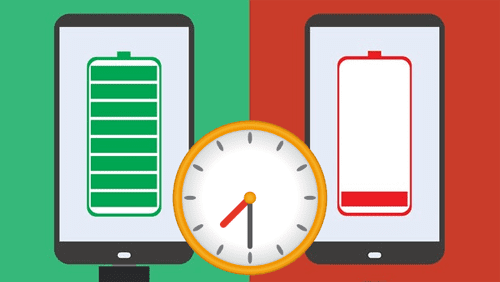
Technology has transformed the way we used to live and work, and the demand for smartphones has increased significantly. Although mobile phone devices have evolved drastically, the fact is that no considerable improvement has been made in the area of phone batteries, and they have not increased much in size.
Solution
To make your battery last a bit longer, you can use these smart tips like turn off your location, which also consumes your phone battery, turn off your Bluetooth, keep your phone brightness down, and turn off the WiFi. By applying these clever tips, you can save your battery for an extended period.
You May Also Want To Read:
- Tips To Extend/Improve Samsung Galaxy Battery Life
- 5 Solution To Fix Huawei Phone Battery Drain And Overheating Issues
- Tips To Increase Battery Life of Xiaomi Phones – Improve Battery Backup In MIUI
Problem No. 2 – Abrupt Shut Down
Sometimes, Android users face a problem while working on the app as it starts closing abruptly. Sometimes, it happens because your phone’s battery is not properly charged. In some cases, it’s not the app but the phone itself that is at fault. If the phone stops suddenly, possibilities of data loss exist.
Solution
To get a quick solution to this problem, you need to plug your phone into the charger. You need to leave your device for a while and start it again to fill the battery issues. It will certainly give desired results in some time, and you may be able to use the app normally.
If you notice data loss, you will have to seek solutions. Keep in mind, though, that different devices have different data restoration methods. For example, you can learn about iPhones at https://setapp.com/how-to/recover-deleted-photos-from-iphone to get a general idea on how to recover data, but if you are using an Android device, the solutions will not be the same.
You May Also Want To Read:
- How To Recover Deleted Photos From Android Internal Memory/Storage
- 8 Potential Android Tablet Issues and Solutions
- Best Solutions On How To Fix Android Stuck On Bootloop
- Fixed: Dead Android And Yellow Triangle Exclamation Mark
Problem No. 3 – Connectivity Issue
The most common issue faced by Android users is connectivity issues. If you see any problem associated with your mobile connection, you won’t be able to continue browsing the web or playing a game. Whether you are trying to connect with WiFi, mobile data, or a specific connection, you failed to establish a connection.
Solution
The innovative and quick solution to handle this particular situation is to keep your phone on Airplane mode for a few seconds and turn it off. If you do not get the desired results, you need to restart your phone. By using this quick tip, your problem should be fixed within seconds.
You May Also Want To Read:
- How To Fix Wi-Fi Stuck On Obtaining IP Address On Android
- Fix Wi-Fi Calling Not Working On Samsung Galaxy S20 (Plus)/S20 Ultra
- What To Do If Samsung Internet Keeps Stopping
Problem No. 4 – Slow App Performance
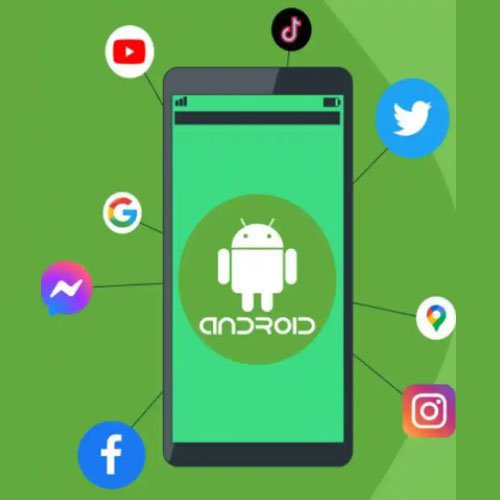
When downloading any game or app, you might notice that the app is loading very slowly or crashing while you are trying to open it. This problem occurs due to the version of the app which is installed on your phone.
Solution
To fix this problem, you need to open the online app store from where you have installed the app. See if a recent update is available or not. If there is an update, you need to install it immediately. Alternatively, uninstall the app, reboot your phone, and install the app again, as it may fix the issue.
You May Also Want To Read:
- How To Fix PUBG Lagging On Android And Play It Without Lag
- [Fixed] Instagram Won’t Open On Android
- How To Fix Roblox Keeps Crashing On Android
- How To Stop Games From Crashing On Android
- How To Fix Call of Duty Mobile Lag On Android And Play It Smoothly
Problem No. 5 – Slow System Functioning
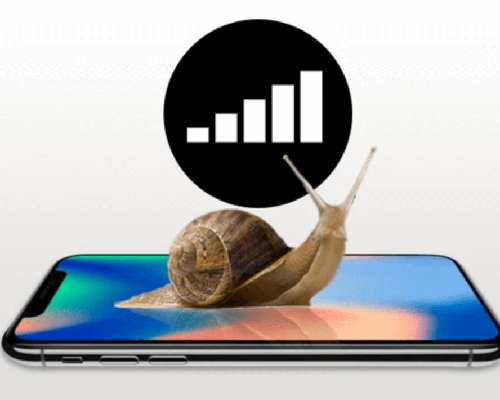
Sluggish phones are common, and most of the time, the problem occurs when the device is running an outdated version of the Android OS. Since you have not updated or upgraded the operating system for quite a long time, the system degrades.
Solution
You need to update the operating system to the most recent version as soon as possible. Alternatively, close all the applications that you are not using and clean storage by deleting all unnecessary files, photos, and videos that are not required. Decluttering your phone will also help increase the speed of your phone.
You May Also Want To Read:
- How Do I Fix Android System Update Failed To Install?
- How To Fix Android System Recovery 3e Stuck Screen Issue
- [Fixed]: “System UI isn’t responding. Do you want to close it?” Error
Problem No. 6 – Play Store Not Working
You notice that the Play Store is not working while trying to download an app or a game on your phone. When you open your Google Play Store to check the information about any app or game, it closes down all of a sudden, leaving you confused.
Solution
Again, the problem rests in the version of the operating system your Android phone operates on. There might be an issue with the Play Store itself, so check if any app update is available. Other than that, this might be due to the virus intrusion. More often, the problem occurs due to hardware issues in the phone.
You May Also Want To Read:
- How To Fix “Unfortunately, Google App has Stopped” Error on Android
- How To Fix Error Code 963 In Google Play Store
- FIXED: Google Play Store Error DF-DFERH-01
Wrap Up
So, these were some of the common Android phone issues that users encounter in their day-to-day lives. Most problems, such as sound issues or connectivity errors, settle down with a simple restart. If that doesn’t seem to work, try upgrading the operating system version your phone is running.
Alternatively, you will need to ensure that there is no virus intrusion to protect your data completely. Before you take any action, make sure to back up the phone and tablet to prevent data loss.
Please support us by subscribing to our YouTube Channel.

Max Field is a founder of Recover Android Data. He is an Android lover and loves to write tips, tricks, fixes for errors, data recovery solutions and more related to Android. Provide Gaming Tips, Tricks, Game Error/Issues Solutions (PC/Xbox/PlayStation/Mobile). He has 11+ years of experience in this field.