
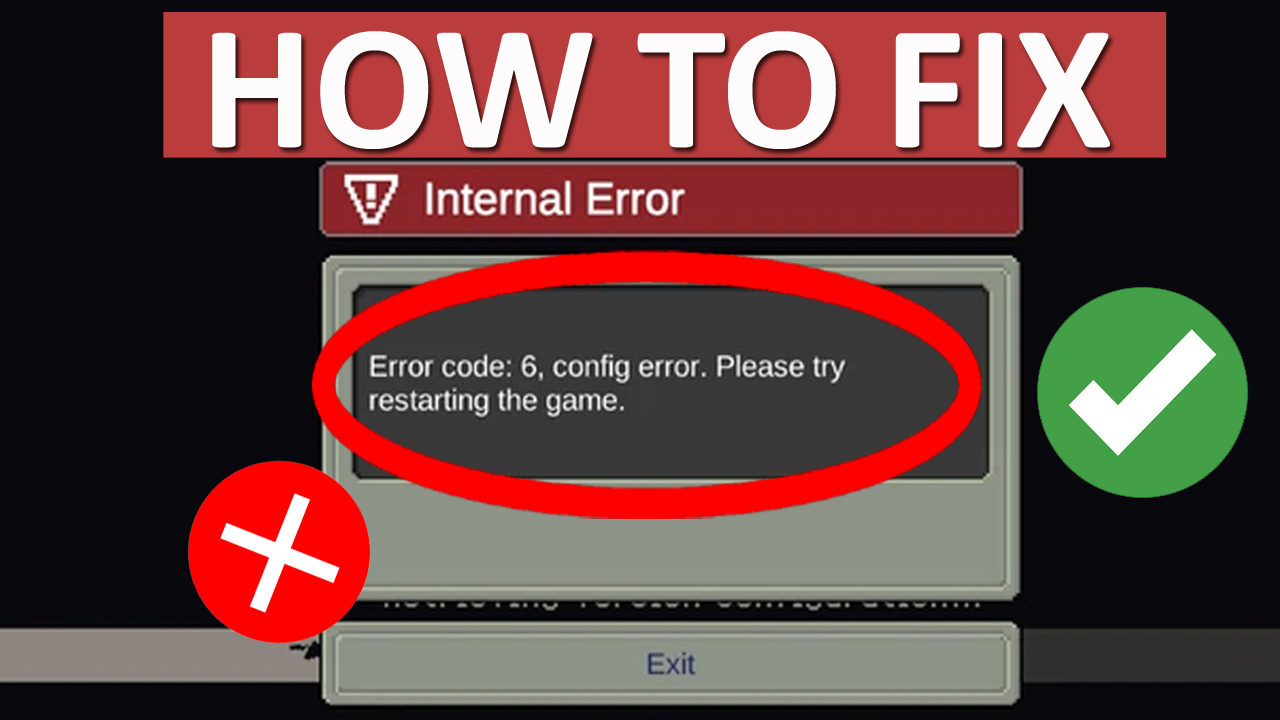
Are you getting “Error Code 6” in Soul Knight Prequel?
Are you not able to enter the game due to this internal error?
If so, then you are not alone, many players are encountering this error.
The full error messages are shown as:
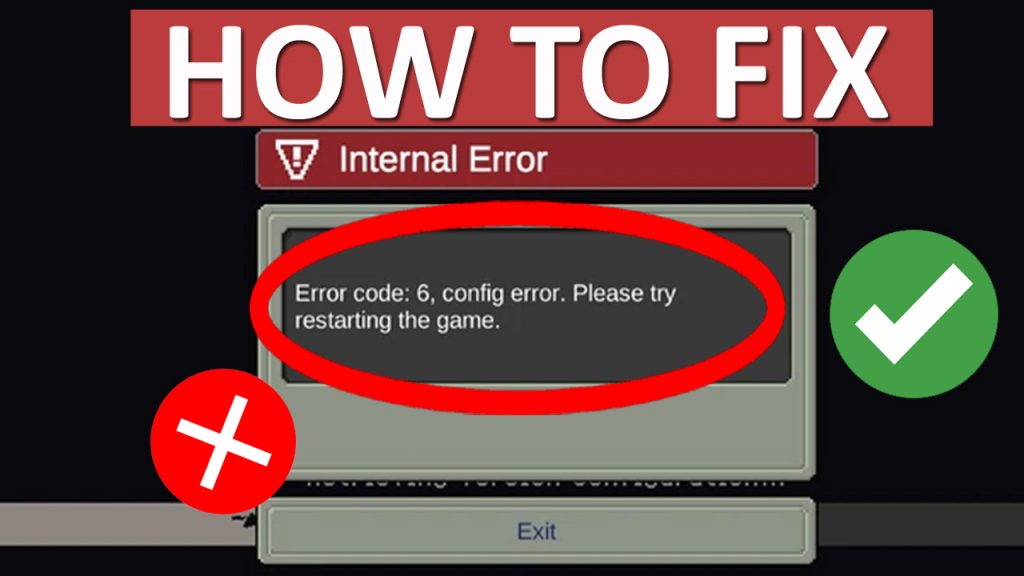
“Internal Error
Erro code: 6, config error. Please try restarting the game”.
If you are also getting this error, then do not worry, in this article you will learn how to fix “Error Code 6” in Soul Knight Prequel on Android and iPhone.
How To Fix “Error Code 6” in Soul Knight Prequel
To fix “Error Code 6” in Soul Knight Prequel you can follow these fixes:
- Check Soul Knight Prequel Server Status
- Check Internet Network
- Logout and Login
- Exit and Enter Soul Knight Prequel
- Wait For 1 – 2 Hours
- Clear Cache and Data of Soul Knight Prequel
- Check For Soul Knight Prequel App Update
- Connect/Disconnect VPN
- Uninstall and Re-Install The App
- Contact Soul Knight Prequel Support
Fix #1. Check Soul Knight Prequel Server Status
Go to the official Soul Knight Prequel Facebook page: https://www.facebook.com/chillyroomsoulknightprequel
And look for any official announcement related to server status.
If you find that server is down, having outage issues or under maintenance, then wait until it is fixed by the Soul Knight Prequel team.
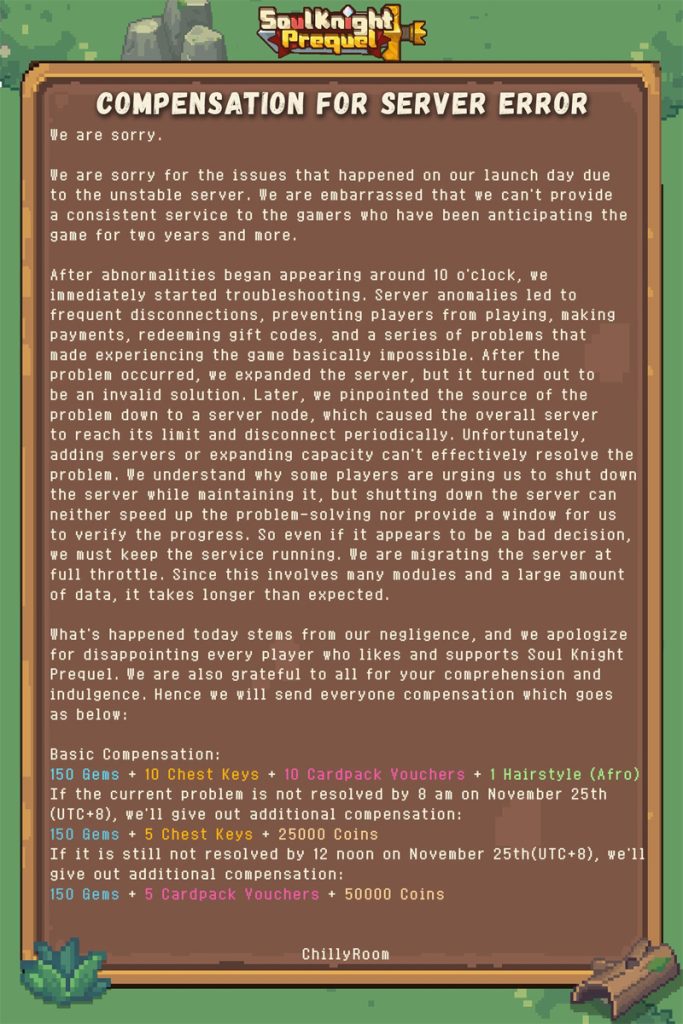
(Pic Credit: Soul Knight Prequel Facebook Page)
Fix #2. Check Internet Network
Make sure you are connected to properly working and stable internet connection.
If you are connected to Wi-Fi, then switch to mobile data.
If you are using mobile data, then switch to Wi-Fi.
Fix #3. Logout and Login
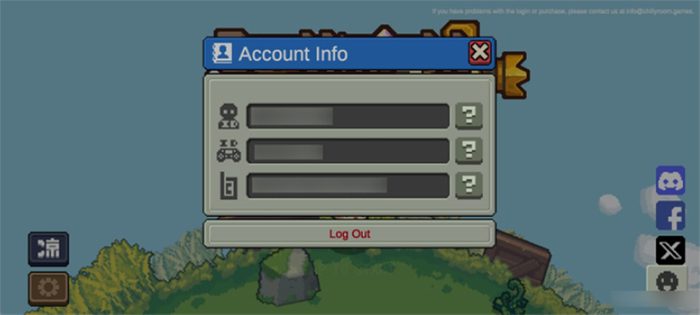
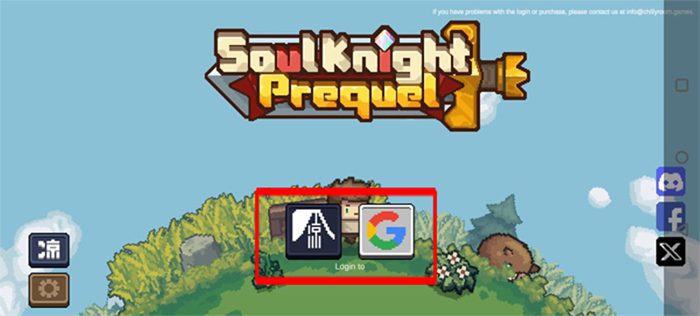
If you are not able to enter the game due to Error code: 6, then simply logout of the game.
Restart your device.
Launch the game, login and then try to enter the game.
Fix #4. Exit and Enter Soul Knight Prequel
It is noticed that when we open treasure chest or card packs, it gets disconnected.
So, to avoid item loss, exit and re-enter the game.
However, if you get error message or “Retry button” appears then do not click on “Retry” button, instead Return to Main Menu.
Fix #5. Wait For 1 – 2 Hours
If you have purchased any items and haven’t received it, then logout of the game and wait for 1-2 hours and then login back to game and check.
Fix #6. Clear Cache and Data of Soul Knight Prequel
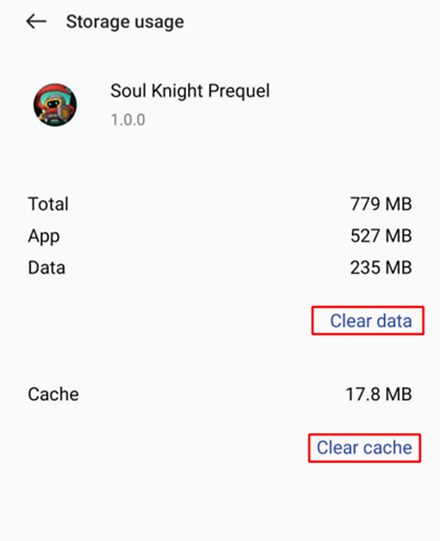
On Android: Go to Settings > Apps > All apps > look for Soul Knight Prequel and tap on it > Tap Storage > Tap “Clear Cache” and “Clear Data”.
On iOS: Go to Settings > General > iPhone Storage > Select Soul Knight Prequel > Tap on “Offload App” and select “Reinstall App”.
Fix #7. Check For Soul Knight Prequel App Update
- Go to Google Play Store (for Android) or App Store (for iOS).
- Search for Soul Knight Prequel.
- If update is available then tap on “Update” button.
Fix #8. Connect/Disconnect VPN
If you are not connected to any VPN then install one from Google Play Store (for Android) or App Store (for iOS) and connect to VPN (e.g. India) and then try to launch and enter the game.
If you are already connected to VPN, then disconnect it and then try entering the game.
Fix #9. Uninstall and Re-Install The App
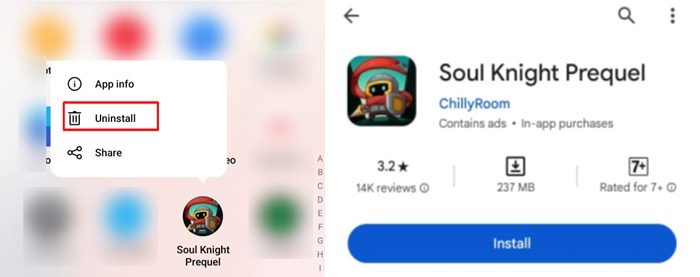
Tap and hold Soul Knight Prequel app icon and select “Uninstall/Delete” option.
Now, open Google Play Store (for Android) or App Store (for iOS).
Search for Soul Knight Prequel and tap on “Install”.
Now, launch and try to login to game and see if it fixed the issue.
Fix #10. Contact Soul Knight Prequel Support
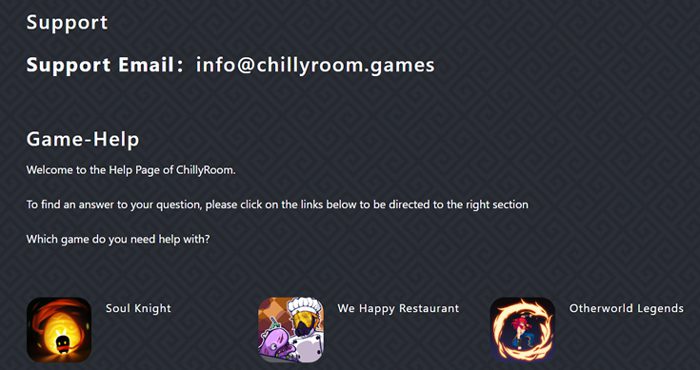
If none of the solutions work, then contact Soul Knight Prequel support: https://www.chillyroom.com/en/support
Describe your problem to them.
Wait for their response and follow their instructions to solve the problem.
Wrap Up
So, those are the top 10 ways that you can follow to fix “Error Code 6” in Soul Knight Prequel.
I hope you were able to solve the problem by following these fixes.
If you have found this article helpful, then please share it as it can help other users!
Please support us by subscribing to our YouTube Channel.
You May Also Like:
- How To Fix “Internal Error” In Soul Knight Prequel
- How To Fix “Connection Error” in Soul Knight Prequel

Max Field is a founder of Recover Android Data. He is an Android lover and loves to write tips, tricks, fixes for errors, data recovery solutions and more related to Android. Provide Gaming Tips, Tricks, Game Error/Issues Solutions (PC/Xbox/PlayStation/Mobile). He has 11+ years of experience in this field.