
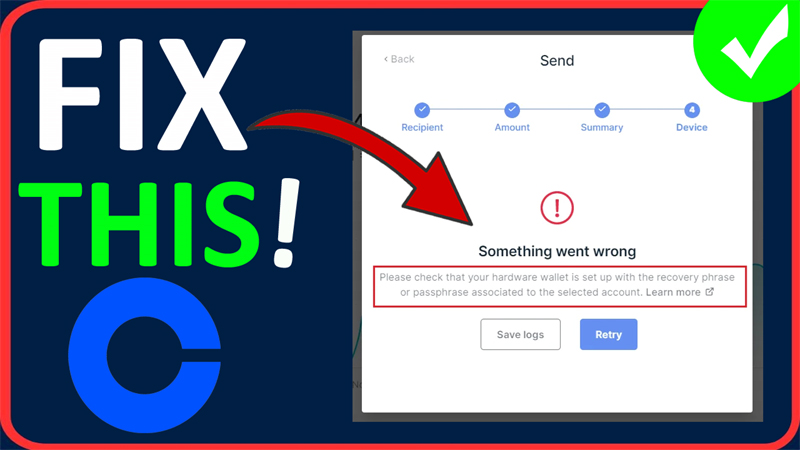
In This Article, You Will Learn How To Fix Coinbase Wallet Something Went Wrong Error.
How To Fix Coinbase Wallet Something Went Wrong Error
Fix 1. Update Chrome and Clear Coinbase Cache Files
1.1: Update Chrome
- Open Chrome, click on 3 dots and then select “Help” and click on “About Chrome”.
- If there is any update available, Chrome will automatically download the update.
- Once updated, relaunch your Chrome.
1.2: Clear Coinbase Cache Files
- Open Chrome, click on 3 dots and select “Settings”.
- On the left, click on “Privacy and security” and then click on “Third-party cookies”.
- Scroll down and click on “See all site data and permissions”.
- Then type “coinbase” in the search bar and delete coinbase cache files.
Fix 2. Change DNS Server
- In Windows Search, type Control Panel and open it.
- Go to Network and Internet > Network and Sharing Center > Connections (e.g., Ethernet/Wi-Fi).
- Click on “Properties”. Double-click on “Internet Protocol Version 4 (TCP/IPv4).
- Select “Use the following DNS server addresses”.
- In the Preferred DNS server, enter “8.8.8”.
- In the Alternate DNS server, enter “8.4.4”.
- Click on “OK” and close the Windows.
- Now check if your problem is fixed or not.
Fix 3. Switch Browsers or Try Using Incognito Mode
If you are using Chrome, then try using a different browser (such as Brave, Firefox, EDGE, Opera, Safari, etc).
Or access coinbase in incognito or private browsing mode and see if this fixes your issue or not.
Fix 4. Update Windows
- Click on Windows icon and then click on Settings.
- On the left click on “Windows Update” and then click on “Check for updates”.
- If any update is available, then Download and install
- Restart your PC and then check problem is solved or not.
Fix 5. Access Coinbase.com Via Mobile Web Browser
- On your mobile, open Chrome.
- Go to: https://www.coinbase.com/
- Login to your Coinbase account.
- Now, check if your problem is solved or not.
Fix 6. Check Server Status of Coinbase
Go to – https://status.coinbase.com/
Check for server status, if Coinbase server is down or having outage, then you can’t do anything about it.
Instead, you have to wait until the server issue is fixed by the Coinbase team.
If you have found this post helpful, then please share it as it can help other users!
Please support us by subscribing to our YouTube Channel.
You May Also Like:
- Fix We Can’t Find Your Camera Error 0xA00F4244 on Windows 11/10
- How To Fix Helldivers 2 Super Credits Disappeared or Missing
- Fix Dota 2 Unable To Queue For Matchmaking When Running Dota as Administrator
- How To Fix Baldur’s Gate 3 (BG3) Script Extender Not Working

Max Field is a founder of Recover Android Data. He is an Android lover and loves to write tips, tricks, fixes for errors, data recovery solutions and more related to Android. Provide Gaming Tips, Tricks, Game Error/Issues Solutions (PC/Xbox/PlayStation/Mobile). He has 11+ years of experience in this field.