
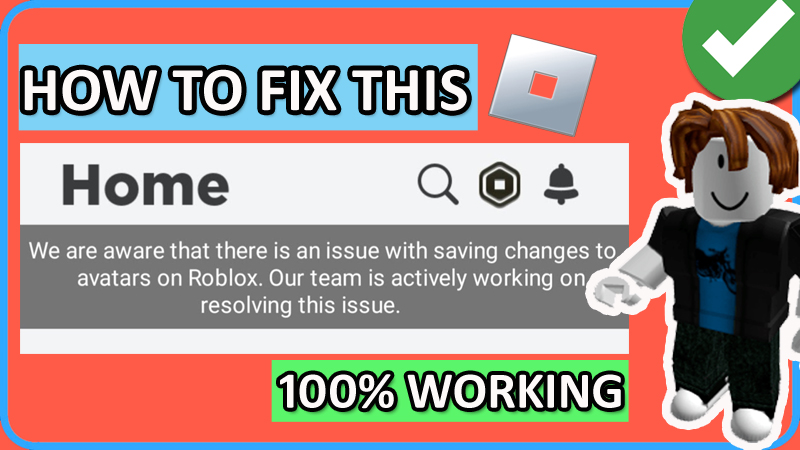

In this article, you will learn how to fix “We are aware that there is an issue with saving changes to avatars on Roblox. Our team is actively working on resolving this issue”.
How To Fix “We are aware that there is an issue with saving changes to avatars on Roblox” on Android/iOS
Fix 1: Clear Cache and Clear Data of Roblox App
- On Android: Go to Settings > Apps > All Apps > search for “Roblox” and tap on it > tap on Storage > tap on “Clear Cache” and “Clear Data”.
- On iOS: Go to Settings > General > iPhone Storage > select Roblox app > tap “Offload App” > Re-install the app.
Fix 2: Make Sure All Permission To Roblox App Is Allowed
- On Android: Go to Settings > Apps > All Apps > search for “Roblox” and tap on it > tap on Permissions.
Here check, that all the permissions such as Camera, Contacts, Files and media, and Microphone all are allowed.
Similarly, allow all permission to Roblox app on iOS, if you are iPhone/iPad users.
Fix 3: Update Roblox App (If Available)
- Open Play Store (for Android) or open App Store (for iOS).
- Search for “Roblox”.
- Tap on “Update” if available.
Note: If your app is already updated, then skip this fix.
Fix 4: Restart Your Phone
- Whether you are on an Android or iOS device.
- Turn off your phone.
- Wait for a few minutes and then turn it on.
- Open Roblox app and then check if you can change and save your avatar.
Fix 5: Check Roblox Servers
- Go to: http://downdetector.com/status/roblox
- Or go to: https://status.roblox.com/
- If you find that their server is down, then you have to wait for a few hours until Roblox servers are back up, before you can change your avatar.
If you have found this article helpful, then please share it as it can help others!
Please support us by subscribing to our YouTube Channel.
You May Also Like:
- Forgot Roblox 4 Digit PIN? Here How To Reset!
- How To Get Unsuspended From Roblox Voice Chat
- How To Fix Roblox Keeps Crashing On Android
- 6 Ways To Fix An Error Occurred and Roblox Cannot Continue

Max Field is a founder of Recover Android Data. He is an Android lover and loves to write tips, tricks, fixes for errors, data recovery solutions and more related to Android. Provide Gaming Tips, Tricks, Game Error/Issues Solutions (PC/Xbox/PlayStation/Mobile). He has 11+ years of experience in this field.