

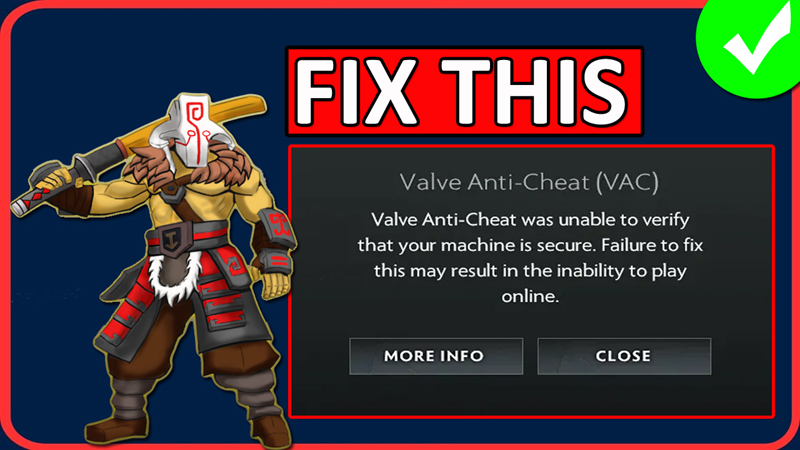
In This Article, You Will Learn How To Fix “Valve Anti-Cheat Was Unable To Verify That Your Machine Is Secure” In Dota 2.
How To Fix “Valve Anti-Cheat Was Unable To Verify That Your Machine Is Secure” In Dota 2
Fix 1. Launch the Game From Steam Library
- Open Steam and navigate to Library.
- Select Dota 2 and click on “Play”.
- See if this fixes your issue.
Fix 2. Disable Steam Cloud
- Open Steam. Right-click on Dota 2 and select Properties.
- Disable “Steam Cloud”.
- Now, launch the game and see if your problem is solved or not.
Fix 3. Set Steam To Run As Admin & Verify Game Files
3.1: Set Steam To Run As Admin
- First close the Steam from “Show hidden icon” from taskbar.
- Now, right-click on Steam and select “Open File Location”.
- In the opened folder, right-click on steam.exe file and select “Properties”.
- Go to Compatibility tab and tick mark “Run this program as administrator”.
- Click on “Apply” and then on “OK”.
3.2: Verify Integrity of Game Files
- Open Steam, if it shows any error then tick “Do not show again” and click Continue.
- Right-click on Dota 2 and select “Properties”.
- Go to Installed Files tab and click on “Verify Integrity of game files”.
- Now check error is fixed or not.
Fix 4. Uninstall and Re-install Dota 2
- If none of the fixes works for you, then uninstall and re-install the game.
- Then launch the game and check if it solved your problem or not.
If you have found this post helpful, then please share it as it can help other users!
Please support us by subscribing to our YouTube Channel.
You May Also Like:
- Fix Dota 2 Unable To Queue For Matchmaking When Running Dota as Administrator
- How To Fix MW3 Cruise Missile Controls Not Working
- How To Fix Last Epoch Stuck on Connecting and Cannot Login
- How To Fix Baldur’s Gate 3 (BG3) Script Extender Not Working

Max Field is a founder of Recover Android Data. He is an Android lover and loves to write tips, tricks, fixes for errors, data recovery solutions and more related to Android. Provide Gaming Tips, Tricks, Game Error/Issues Solutions (PC/Xbox/PlayStation/Mobile). He has 11+ years of experience in this field.