
Fix iOS System Issues In Just Few Clicks With Ease!
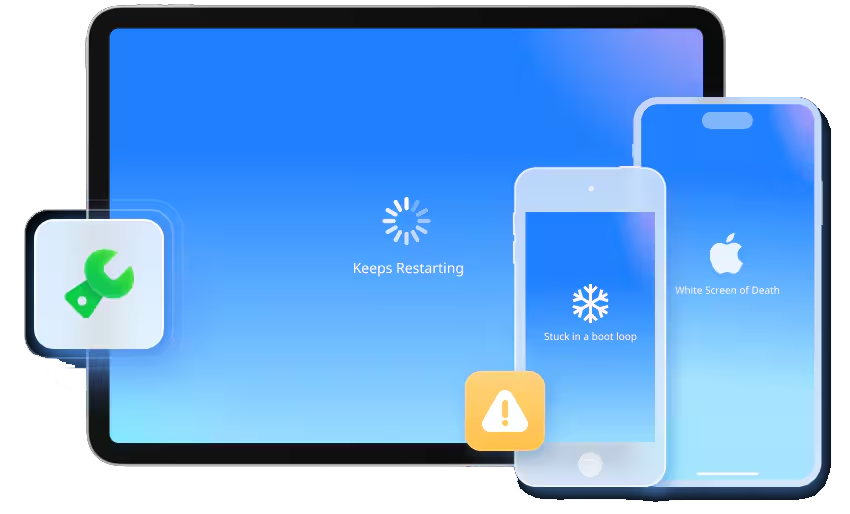
- Fix more than 150 iOS system issues such as stuck in a boot loop, Apple logo, etc.
- 100% Secure, Safe and easy to use. No Technical Skills/Knowledge Required.
- Upgrade/downgrade to iOS without iTunes or Jailbreak.
- Works seamlessly for all iOS Devices and version such as iPad/iPhone/iPod Touch.
- Repair most of the problems without data loss.
- Enter or Exit Recovery Mode/DFU Mode anytime for FREE.
 |
 |
Scenario or Issues That iOS Repair Software Can Fix
iOS System Repair Tool allows you to resolve any iOS issues such as white screen of death, stuck on black screen, stuck in Recovery mode, phone keeps restarting and many more in just few clicks.
You don’t have to be a tech guy or a professional to use iOS Repair Tool, it has minimalistic UI (User Interface) that can be easily understood.

Fix iOS System Issues Without Data Loss
iOS Repair is an advanced System Repair Tool that can solve all iOS related issues without any kind of data loss. You just have to connect your device and follow the on-screen instructions; the process will be completed within few clicks.

Securely Upgrade or Downgrade to iOS Without iTunes or Jailbreak!
With iOS System Repair, you can upgrade or downgrade to iOS version without jailbreaking. Upgrading or Downgrading is much easier compared to iTunes. Keep in mind, downgrading is only possible if Apple still signs that previous iOS version that you want to downgrade to. The most amazing part, upgrading process can be done without data loss. It also supports the new iOS/iPadOS 18 upgrade or downgrade without Jailbreak.

Try Out iOS Beta Features. No Developer Account Required!
If you are curios or excited about the new iOS 18 features and want to try it but don’t have a developer account, then don’t worry. With iOS System Repair Tool, you can update the iDevice to the latest iOS version at no cost.
If you are an Apple fan, then you can try the latest iOS features before anyone else.
|
|
Use Different Modes To Fix iOS System Issues
Switch between different modes as per your issue. You are allowed to use 3 different modes; choose wisely to increase the success rate of system recovery.
Standard Mode
Keep Your Data Intact: In this mode, iOS Repair tool fix most of the issues such as stuck on black screen, iPhone keeps restarting, stuck in recovery mode, white screen of death and many more without any data loss.
Advanced Mode
Efficiently Fix Issues but Wipes Data: In case, the Standard mode fails to repair the system issue, use this mode instead. This mode works efficiently in complex scenario by using deep scan method and resets your iDevice to factory settings to fix the system issue. Please Note: This will erase all your existing data once the recovery is done.

Anti – Recovery Mode
This mode is only recommended if you want to sell or donate your iOS device, as it will repair all the system related issues and erase all the data without leaving any trace or chance to recover the data again. Please Note: Once you use this mode, it is nearly impossible to recover your deleted data.
User Guide: Complete Steps To Use iOS System Repair Software
System Requirement
- Supported OS: Windows – Requires Windows 7 or newer. Mac – Requires mac OS X 10.8 & higher.
- CPU: 1 GHz or faster processor (Intel or AMD)
- Hard Disk: 200 MB and above free space
- RAM: 2 GB or more of RAM
-
iOS: Support all iOS versions, including the latest iOS version
|
|