
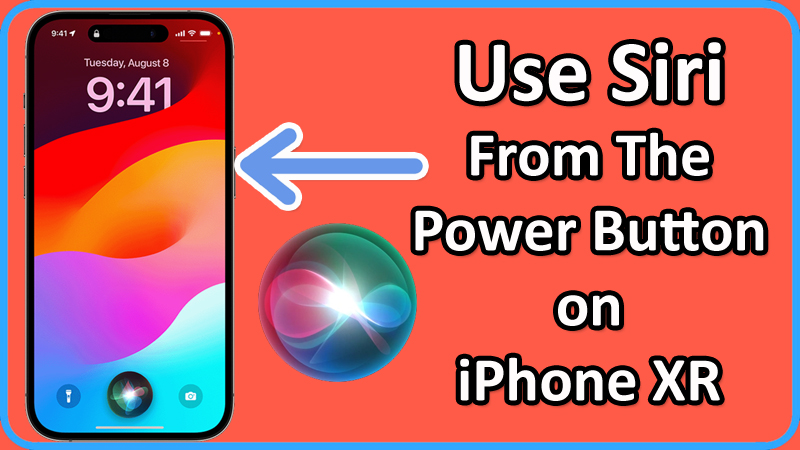
In this article, you will learn how to bind and use Siri from the Power button on Apple iPhone XR.
Steps To Use Siri From The Power Button on Apple iPhone XR
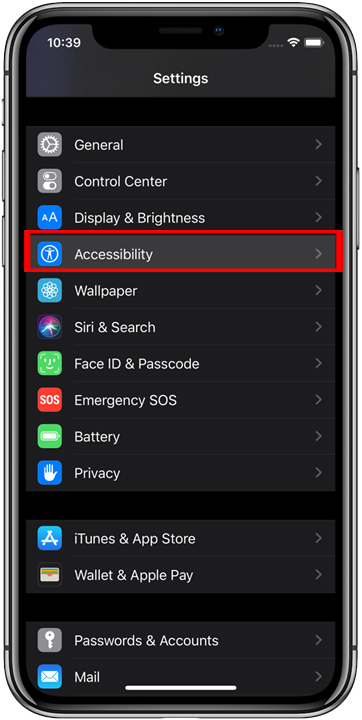
Step 1: On your iPhone XR, go to Settings > Accessibility.
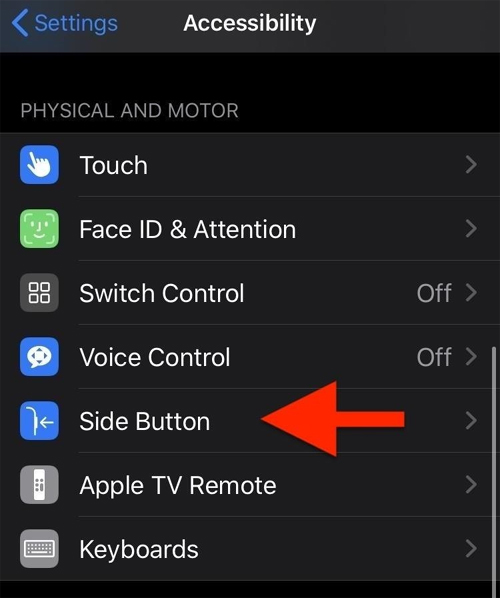
Step 2: Under “PHYSICAL & MOTOR” section tap on “Side Button” option.
Step 3: Tap on “Siri” option.
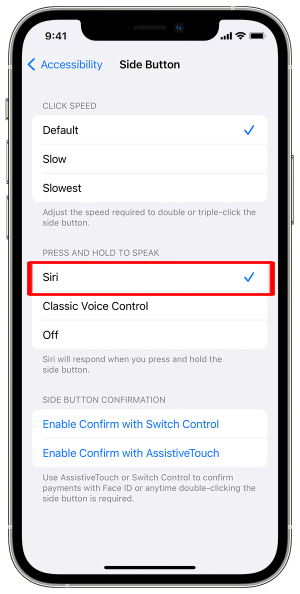
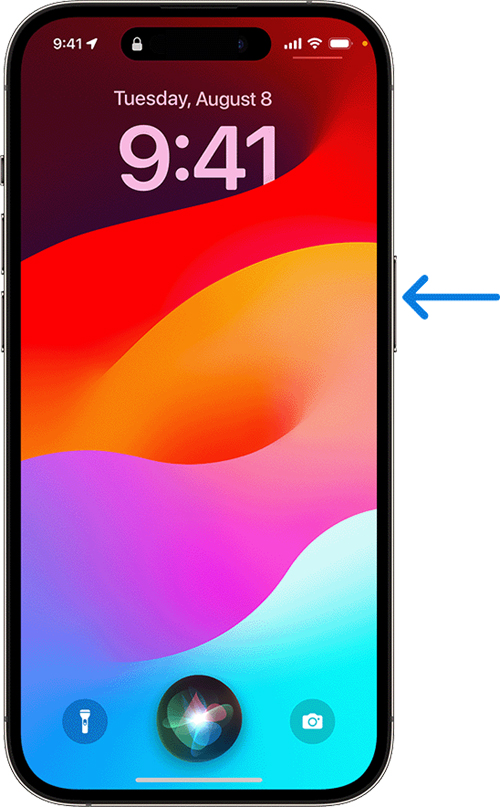
Step 4: Now, press and hold “Power” button. Siri will activate.
Step 5: Once it is activated, you can then use Siri by pressing the Power button and making the request.
That’s It!
If you have found this article helpful, then please share it as it can help others!
Please support us by subscribing to our YouTube Channel.
You May Also Like:
- Vertical Lines On iPhone Screen – Here How I Fixed It!
- How To Fix Google Maps Keeps Rerouting on Android, iPhone
- How To Fix Reddit Recap 2023 Not Showing
- [SOLVED] Apple Music Replay Stuck On “This Is Your Replay” (2023)

Max Field is a founder of Recover Android Data. He is an Android lover and loves to write tips, tricks, fixes for errors, data recovery solutions and more related to Android. Provide Gaming Tips, Tricks, Game Error/Issues Solutions (PC/Xbox/PlayStation/Mobile). He has 11+ years of experience in this field.